Past the Hype: Where AI Actually Earns Its Place
Two years ago, "AI in web design" mostly meant generating a hero image. In 2026 it means something far more practical: AI now sits inside the day-to-day build — turning design files into working components, reviewing pull requests, writing test coverage, and drafting the content structure a page needs before a single pixel is placed.
The interesting shift isn't that AI makes design faster. It's where the time goes instead. Teams that use these tools well spend less time on scaffolding and more time on the decisions that actually determine whether a site performs: information architecture, conversion flow, and accessibility. Here's an honest look at what works today, and what still doesn't.

The Four Tools Doing Real Work in 2026
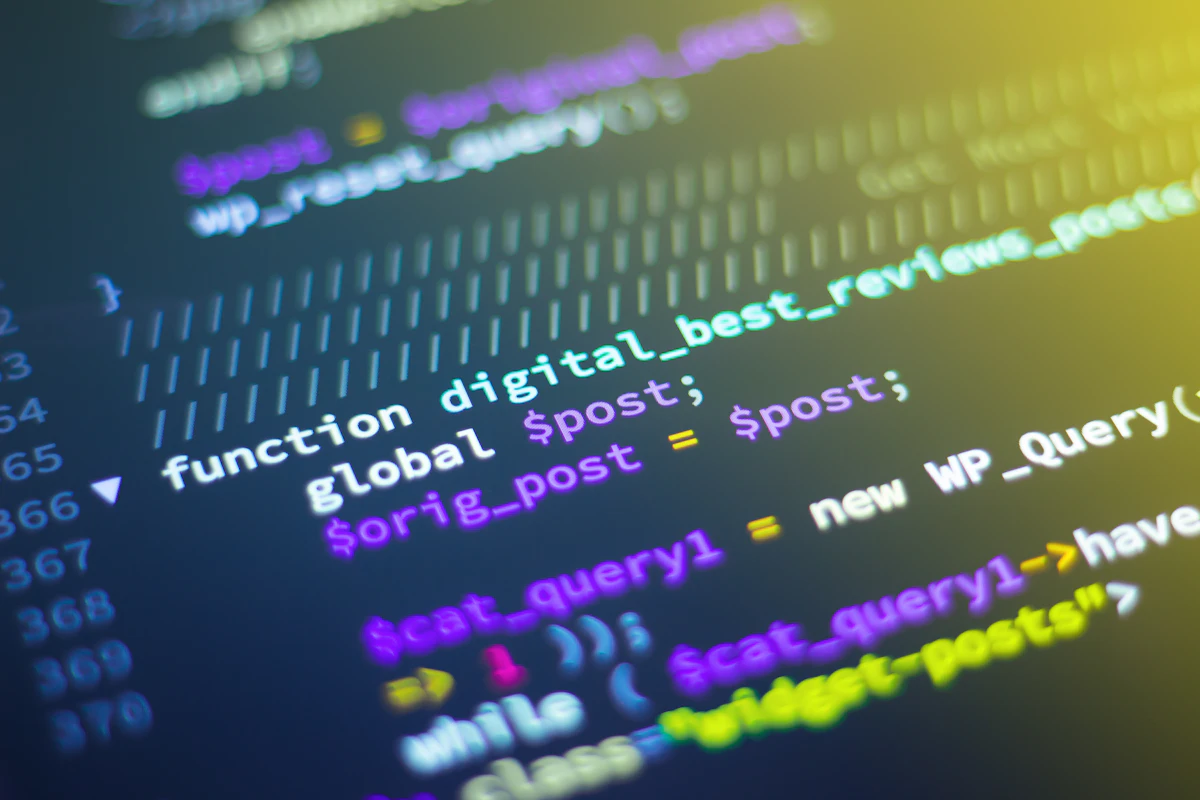
1. Agentic coding assistants. The biggest change since 2024. Tools like Claude Code, GitHub Copilot's agent mode and Cursor no longer just autocomplete a line — they read the whole repository, plan a change across several files, run the test suite, and hand back a reviewable diff. For a component refactor or a framework upgrade, this is genuinely transformative.
2. Design-to-code pipelines. Figma's Dev Mode, Framer and v0 now produce component code that respects an existing design system rather than emitting one-off markup. The output still needs a developer's eye, but it removes most of the tedious translation step between design and build.
3. Content and copy scaffolding. AI drafts the page structure — headings, metadata, alt text, FAQ blocks — so that SEO and accessibility are considered from the first draft instead of retrofitted at launch.
4. Asset generation. Midjourney, Adobe Firefly and similar tools cover illustrations, icons and background imagery. Worth noting: commercially safe, properly licensed models matter here more than raw image quality, especially for client work.
What AI Still Gets Wrong
It's worth being blunt, because the gap between demo and production is where projects go wrong. In our experience the recurring failure points are consistent:
- Accessibility – generated markup frequently ships with unlabelled controls, poor focus order and colour contrast that fails WCAG. It looks right and tests badly.
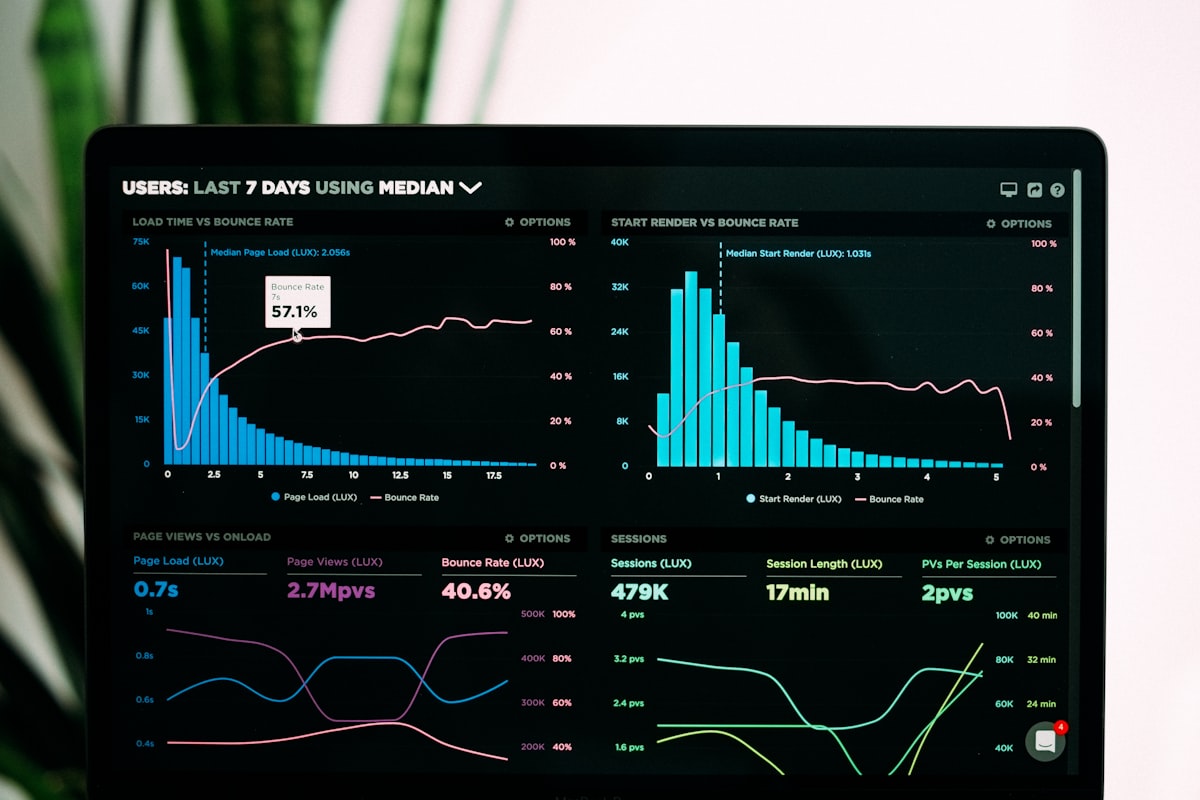
- Performance – AI reaches for a library where twenty lines of CSS would do. Bundle size creeps up quietly.
- Judgement about what to cut – AI will happily build the fourteen sections you asked for. It won't tell you that eleven of them are hurting your conversion rate.
- Brand consistency – without a documented design system to work against, output drifts between pages.
The pattern is clear enough: AI is excellent at producing plausible work quickly, and unreliable at deciding whether that work is correct. Review is not optional overhead — it's where the quality comes from.
What This Means for Your Business
If you're commissioning a website in 2026, AI changes what you should expect — and what you should ask about:
- Shorter build phases – scaffolding and boilerplate compress, so more of the budget goes to design and testing rather than setup
- More iterations, not fewer – cheap revisions mean you should expect to see options, not one take
- Ask how output is reviewed – a studio that can't describe its accessibility and performance checks is shipping unreviewed AI output
- Ask about content licensing – generated imagery needs a clear commercial licence, especially for brand-facing work
The Shift Worth Watching: Designing for Machine Readers
Here's the change we think is genuinely underrated. A growing share of visitors never see your site — an AI assistant reads it on their behalf and summarises the answer. That makes clean semantic HTML, structured data and honest, specific copy matter more than they have in a decade. The sites that get quoted accurately by AI answers are the ones built properly underneath.
Which is a slightly ironic conclusion: the best response to AI reshaping web design isn't a flashier site. It's a well-structured, fast, accessible one — the same fundamentals, now with higher stakes.
At Qodebrik we use these tools daily, with a review process to match. The result is work that's quicker to produce and still holds up under a Lighthouse audit, a screen reader, and a real customer in a hurry.
Interested in how AI-powered development can benefit your next project? Get in touch with our team to discuss your vision.